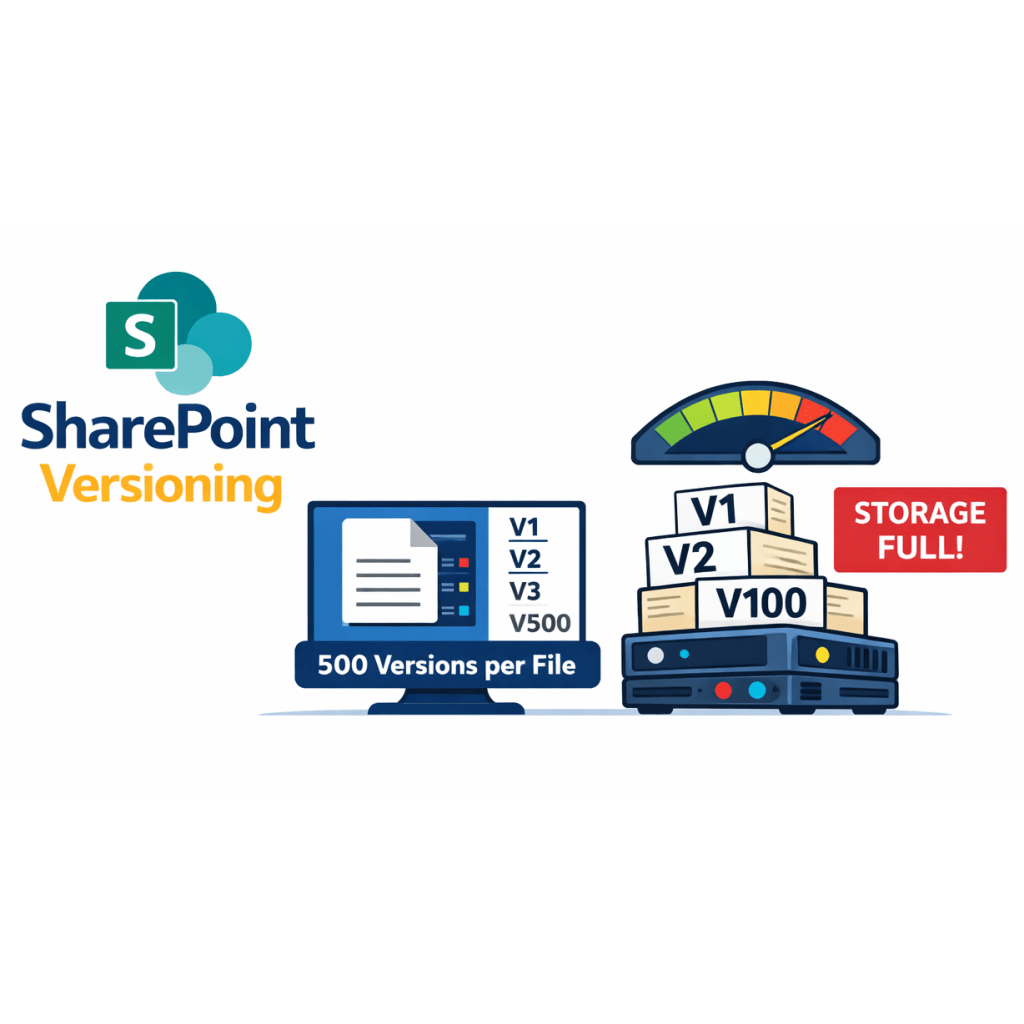
Did you know SharePoint libraries default to 500 major versions per file? Five hundred. I’ve never met anyone who wants to scroll through 500 versions of anything.
It feels harmless at first, but this setting quietly devours your tenant’s allocated storage, especially in orgs with massive files (hello, Marketing teams).
One of my clients kept getting the dreaded “You’ve reached your allocated storage” warning. They assumed it was old files. Nope. It was versions – hundreds of them – ballooning their storage footprint.
Microsoft lets you reduce the limit to 100 versions in the UI, but even that’s excessive. If you have a 950 MB design file (yes, that’s a real example), keeping 100 versions means 9.5 GB for one file. Multiply that across a library and your storage disappears fast.
So, What Should You Do?
1. Reduce the default version limit setting
SharePoint’s UI won’t let you go below 100 versions, but you can set a lower limit using PnP PowerShell.
If you’re new to PnP, start here: PnP PowerShell Overview | Microsoft Learn.
2. Delete older versions
Once the version limit is set to a lower version, then run a script to delete the older versions of the files. The cleanup starts with the oldest versions and works forward until only the latest 10 remain.
Two PowerShell Scripts to save your server
You can grab the scripts I use at Colleen Parker GitHub – Library Cleanup Scripts.
Using this approach, I’ve reclaimed thousands of gigabytes of wasted storage, all from versions nobody will miss.

 Eyes on M365
Leave a comment