Gathering analytics is important to help you identify what you are doing well and what you might need to improve.
My experience with business analytics is multi-faceted, in this article I’m addressing the analytics I’ve deployed related measuring web sites.
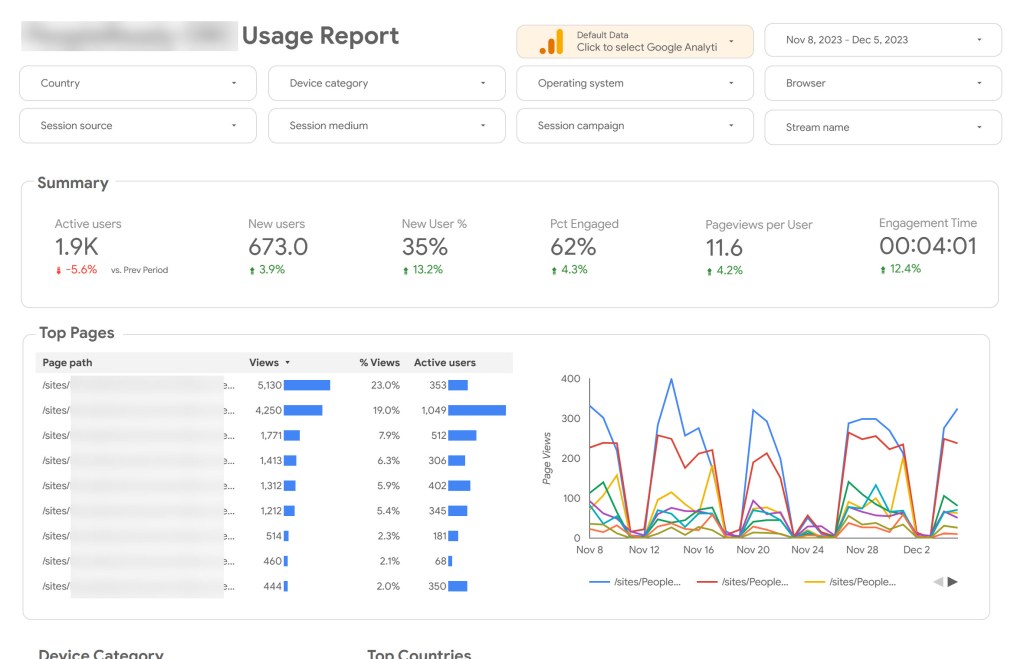
Google Analytics for SharePoint Online
Getting Google Analytics (GA) for a website is typically fairly straightforward. You create a property in GA, and get a code to add to your website. Easy squeezy.
For SharePoint Online it isn’t that simple. It requires a SharePoint Framework package be deployed. Luckily the Microsoft community is vast and you can typically find someone who has “been there and done that”. I found a pre-built package I could download from GitHub and deploy to our SharePoint tenant. This was an effort in patience and determination.
I followed this fantastic guide from Joao Ferreira: How to track SharePoint usage with Google Analytics
Microsoft Clarity Analytics
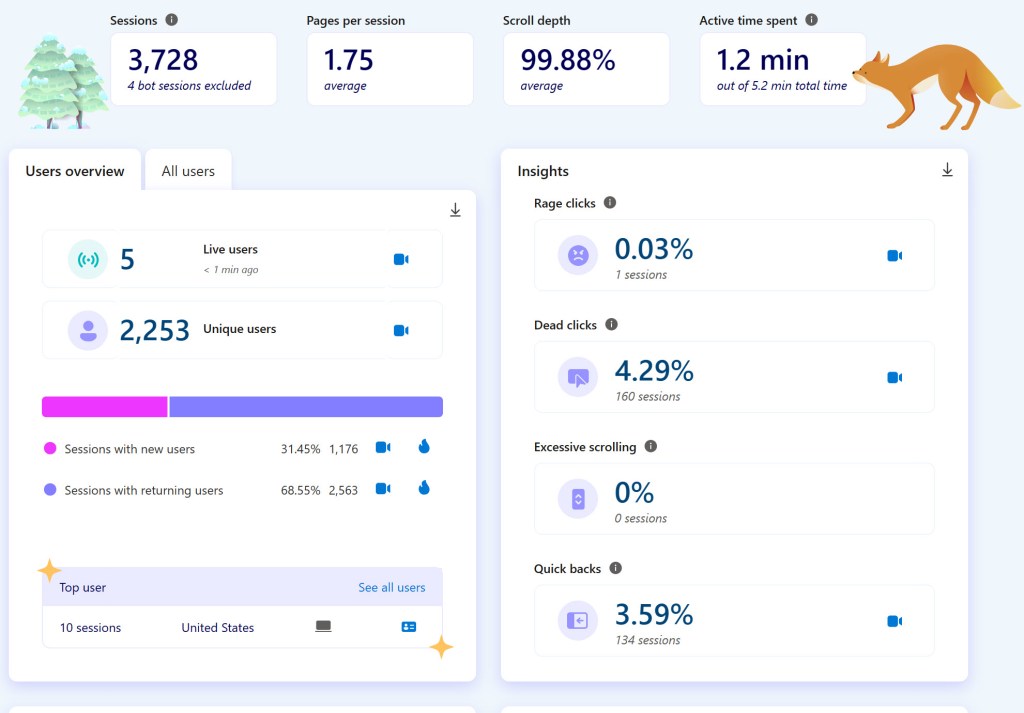
Like Google Analytics, delivering Clarity Analytics reports for an intranet on SharePoint Online also requires you to implement a SharePoint Framework package. Luckily, I’d delivered the GA SharePoint Frameworks package, and was able to get Clarity deployed within a few days.
Being able to see recordings of people on your site and where they might be struggling is invaluable. I was able to make some adjustments, especially in the Search Engine Optimization of our sites.
Again, Joao Ferreira to the rescue! He provided this guide: How to add Microsoft Clarity to modern SharePoint that I followed to get Clarity deployed across my SharePoint Online sites.
 Eyes on M365