Recently I read an article from a SharePoint expert that read “never embed a Document Library web part on a SharePoint page”*.
Never is a strong word whenever someone uses it, and I had to both Agree and Disagree with this statement.
Agree: Don’t put the OOB Document Library web part on a page
The out-of-the-box (OOB) Document Library web part is not aesthetically beautiful. For me, this is similar to adding a network file share to your page. Definitely not a good user experience and a little “old school”.

Disagree: Use JSON Formatting to beautify the Document Library web part
Where I disagree with the never put a Document Library web part on a page is that now document libraries and lists can be made more beautiful by using JSON view formatting.
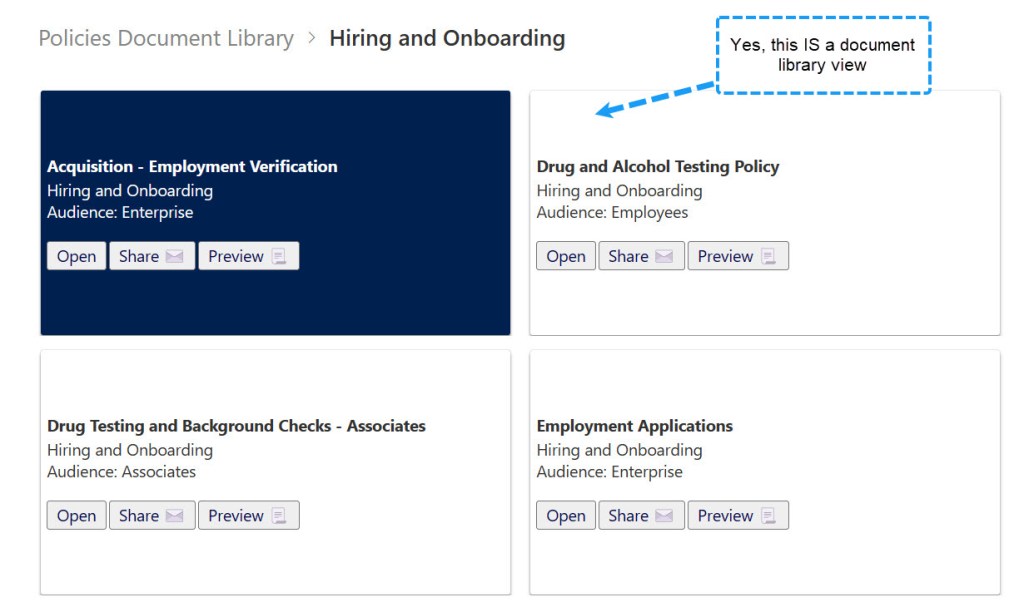
Below is the same Document Library Web Part web part displayed above; however, this one is set to a view of the library that has been altered using JSON formatting to create attractive tiles.
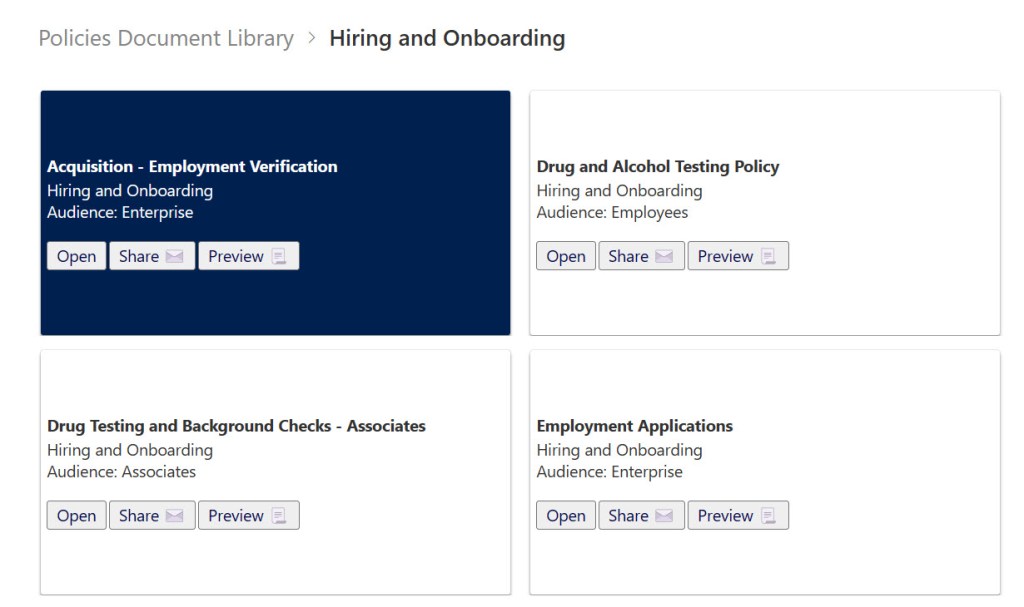
The JSON displays some of the metadata about each file in a card format.
The card has a color-change hover effect and buttons to Open, Share (by email) and Preview the file (floating over the Preview button displays a small document preview to the right of the card).
Summary
They say never say never. There are so many great options for customizing your SharePoint sites. I’ll be sharing how I created this solution end-to-end in another post this month.
See more about how to use JSON to format views in SharePoint –
Use view formatting to customize SharePoint | Microsoft Learn
If you’d like to learn more about this solution or how to improve your SharePoint site user experience, please reach me at Colleen Parker | LinkedIn.

 Eyes on M365
Leave a comment