I was excited to see the Forms button show up in my work tenant yesterday.
What Forms for SharePoint Lists allows you to do is create custom forms for different audiences to submit content to your list without having access to the full list.
My first dip into the pool turned out to be unsuccessful. I wanted to set up a Content Scheduler list for managing Social Media content.
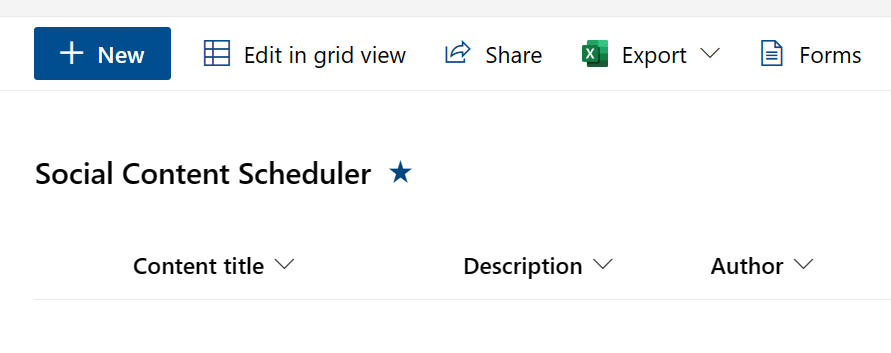
I wanted to provide a way for my team to submit ideas for social posts and in the list, I’d have fields for me to track my progress on publishing these items. Here are the fields in my list (Note: I used the out-of-the-box Content Scheduler list template as a starting point).
Content title
Description
Author
Status
Draft due by
Publish by
Published link
Content image
Content files
Platform
Created By
Created
The fields in bold are the fields I wanted to have my team members fill out.
Alas, this solution would not work for my purpose as Content image (image field type) and Content files (attachments field) are not yet available yet in the types of fields available in Forms (for SharePoint).
These are the available field types (so far):

Now, even though this particular use case didn’t pan out. I can see many use cases where SharePoint Forms will add value.

 Eyes on M365
Leave a comment