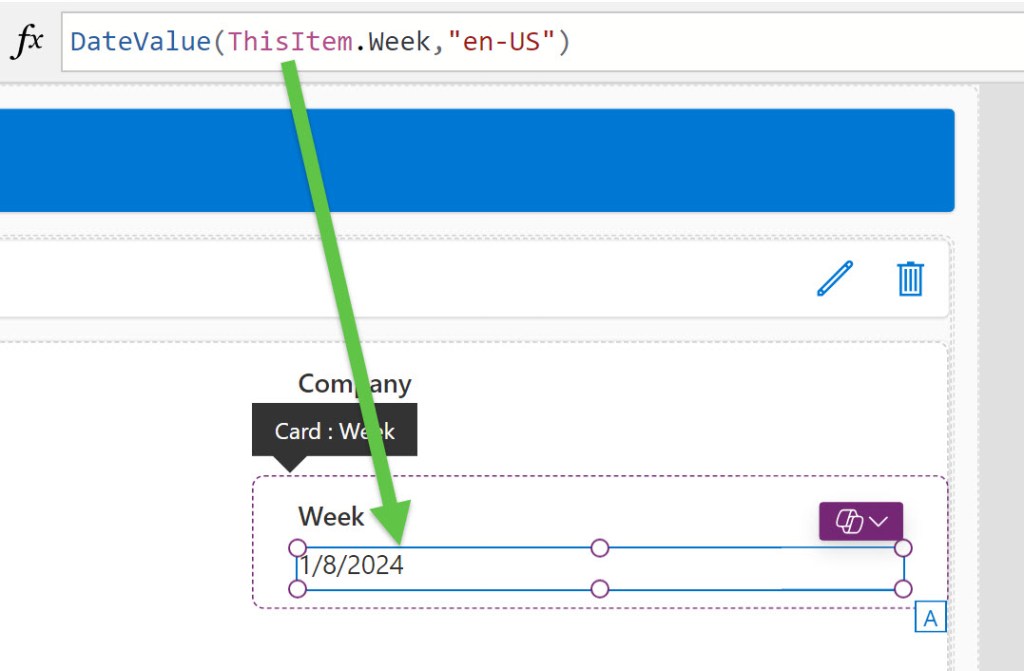
Challenge: Format a date in a Power App that pulls data from a SharePoint list.
Problem: Date is formatted with the full date/time and the requirement is to show it as the U.S. standard DD/MM/YYYY.

My trusty Bing search for Date/Time formatting in Power Apps delivers several articles/videos suggesting a formula of:
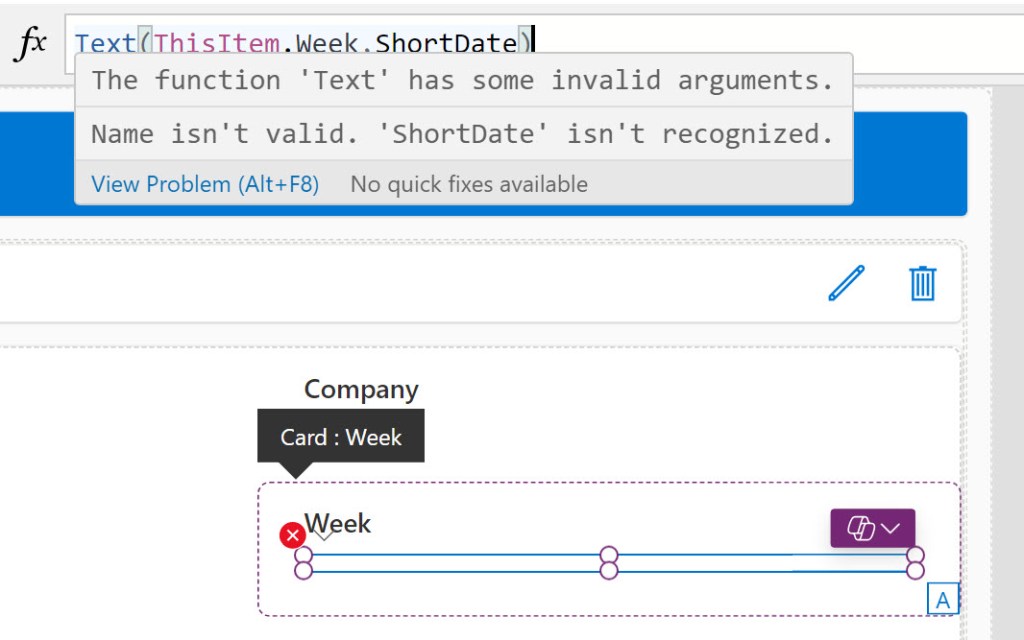
Text(ThisItem.Date,ShortDate)
However, that function wasn’t working for me with this date field. I’d get an error message of “The function ‘Text’ has some invalid arguments. Name isn’t valid. ‘ShortDate’ isn’t recognized.”
So, I poked around in the formula bar with the word Date until I found what does work-
DateValue(ThisItem.Week,"en-US")

Sometimes it takes some poking around to find the right solution.

 Eyes on M365
Leave a comment